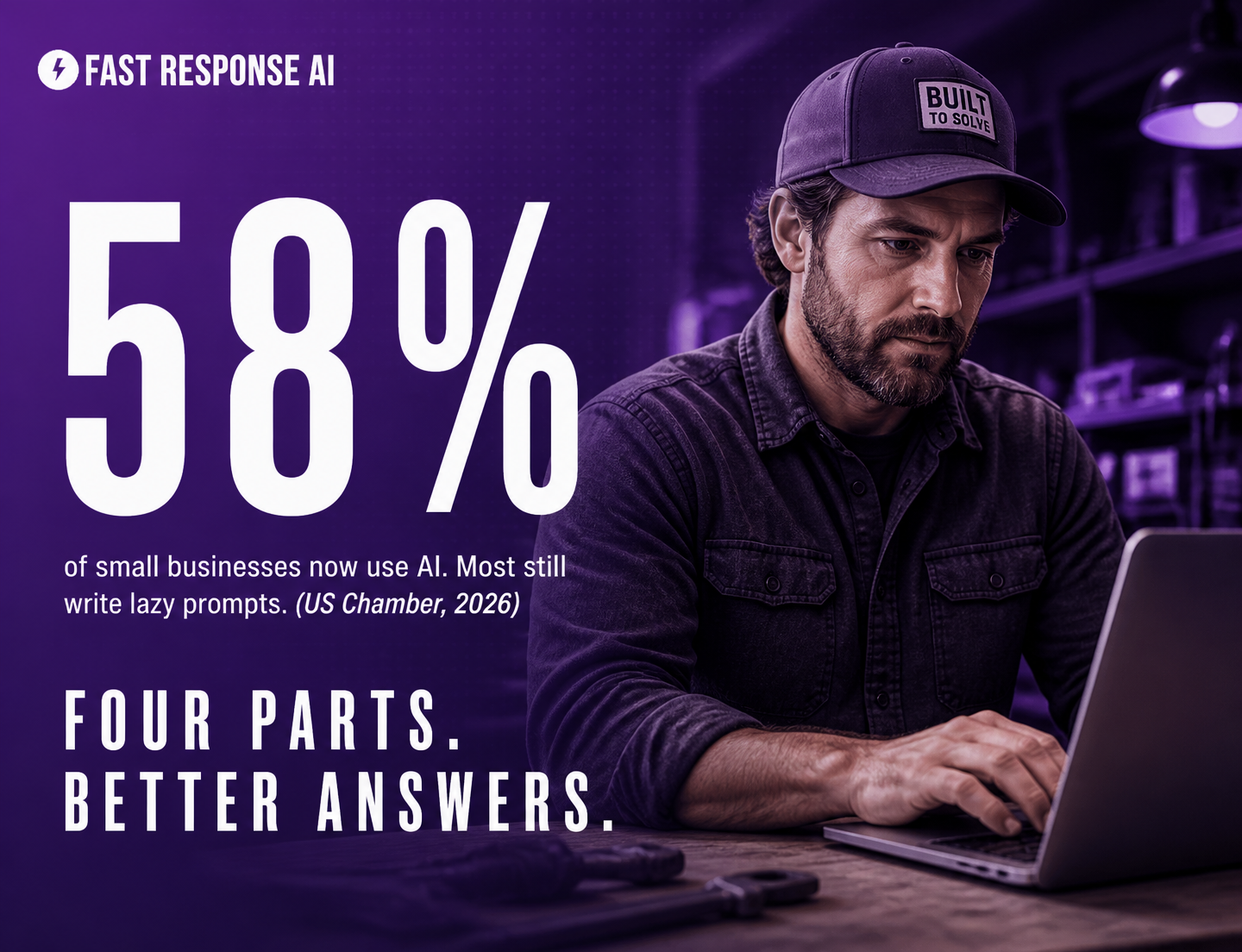
You typed a question into ChatGPT, got back something any competitor could have written, and closed the tab. That is the AI prompting problem almost every small business owner runs into. 58% of small businesses now use AI, yet most still get bland, generic output because they skip the four parts that actually steer the answer.
AI prompting is the practice of writing clear instructions that tell an AI tool what role to play, what task to perform, what context to use, and what format to return. For small businesses, the strongest prompts combine all four parts, so the output matches your industry, your customer, and your goal instead of reading like a generic template. Learn one structure and you can stop collecting prompt lists.
Why your AI keeps handing you generic answers
Picture the plumber who finishes a job, sits in the truck, and types “write a promo email for my plumbing business” into a chat window. Ten seconds later there is a polished email about “quality service” and “customer satisfaction” that says nothing, names no one, and could belong to any of the 100,000 other plumbers in the country. Delete. Back to voicemail.
That owner did not get a bad tool. Roughly 63% of small businesses that use AI now use it daily, and the technology is genuinely strong. The owner gave a weak instruction. “Write a promo email” is a task with no role, no context, and no format. The AI did exactly what it was told: it produced the average of every promo email it has ever seen. Average in, average out.
This is the quiet trap across home services, property management, retail, and professional services. Owners try AI once, get a forgettable result, and conclude the hype was overblown. The real issue is that nobody taught them the difference between asking a question and writing a prompt.
What most people get wrong about AI prompts
Here is the line worth pasting into your team chat: collecting 100 prompts off a blog will not make you better at AI. Learning one structure will. Prompt lists go stale the moment your situation changes. A structure works on every task you will ever throw at it.
Most “best prompts for small business” articles hand you a pile of fill-in-the-blank templates and call it a day. That is the equivalent of memorizing answers instead of learning the method. The owners who get real value treat the AI like a sharp new hire on day one: someone capable who needs a role, the task, the background, and a clear idea of what “done” looks like.
A few numbers that explain why this is worth twenty minutes of your attention:
- 58% of small businesses now use generative AI, up from about 40% in 2024, so the tool is no longer a competitive edge by itself. (US Chamber and industry data, 2026)
- About 63% of AI-using small businesses report using it daily, which means the gap is now in skill, not access. (industry data, 2026)
- Simply adding “think step by step” to a prompt improved accuracy on reasoning tasks by roughly 50% in Google research, with no other change.
- A complete prompt has four parts: role, task, context, and format. Most people write only the task.
- Generative AI is worth about $7,800 per knowledge worker per year in productivity, according to Accenture, but only for those who actually direct it well.
- Roles augmented with AI show about a 37% productivity improvement, compared with roughly 12% from traditional automation alone. (industry data, 2026)
The takeaway behind every one of those numbers is the same. Access is no longer the advantage. Direction is.
The four-part structure the best operators use
Here is the whole method. The next time you open an AI tool, build the prompt in four moves instead of one. You can do this in two extra sentences.
- Assign a role. Start by telling the AI who it is. “You are a direct response copywriter who writes for home services businesses.” A role pulls the model toward the right vocabulary, tone, and instincts before it writes a single word.
- State the task with a strong verb. Be specific and use an action word: write, draft, outline, rewrite, summarize, compare. “Write a 120-word promo email offering a spring drain-cleaning special.”
- Give context about your business and your customer. This is the step almost everyone skips, and it is where generic dies. “My company is a two-person plumbing shop in Sacramento. Customers are homeowners, mostly 35 to 65, who care about fast response and a fair price. Our tone is friendly and no-nonsense.”
- Specify the format. Tell it exactly what “done” looks like. “Give me three subject line options, then the email body with one clear call to action. No exclamation points.”
Stack those four together and the bland promo email becomes a specific, on-brand message you can actually send. Same tool, same ten seconds, completely different result. If you want even sharper output, add one example of work you like (the AI copies the pattern), and for anything involving reasoning or numbers, tell it to think step by step.
Now the part most prompting guides miss. This skill is not just for marketing copy. The exact same four-part instruction is what you use to set up the AI that answers your phone when you cannot pick up. With a platform like Fast Response AI, you write the prompt that tells your AI how to greet callers, what questions to ask, and when to capture a message, so the 7am pipe-burst call gets answered in your voice while you are still on a ladder. You stay the business. The AI is your safety net, every call, text, and chat logged in one inbox you own. The owners who already think in roles, tasks, context, and format write better instructions for that assistant on the first try. Home services owners can see how that plays out on the contractors page, and property managers on the property managers page.
How to evaluate and improve a prompt that is not working
When an answer misses, do not start over from scratch. Diagnose which of the four parts was thin and fix that one part. The fixes are almost always the same handful:
If the output is too generic, you are missing context. Add who your customer is and what makes your business specific. If the tone is wrong, you skipped the role or did not describe your voice. If the result is too long or rambling, your format instruction was vague, so set a word count and a structure. If the logic is shaky on anything involving math, scheduling, or comparisons, add “think step by step” and ask it to show its reasoning.
Then iterate. The first answer is a draft, not a verdict. Tell the AI what to change in plain language (“make it shorter, drop the jargon, add a line about our 24/7 availability”) and it will adjust. Two or three rounds of that beats hunting for the perfect prompt online every time.
Frequently Asked Questions
What is a prompt in AI?
A prompt is the instruction you give an AI tool to tell it what you want. It can be a question, a command, or a detailed brief. The more clearly the prompt defines the role, task, context, and format, the more useful and specific the response will be.
How do I write a good AI prompt for my business?
Use four parts. Assign the AI a role, state the task with a strong action verb, give context about your business and your customer, and specify the format you want back. That structure turns a vague question into a precise brief and is the single fastest way to stop getting generic output.
What are the parts of a good prompt?
Role, task, context, and format. Role sets who the AI is acting as. Task is the specific action you want done. Context is the background about your business, audience, and goal. Format describes how the answer should be structured. The task is required, but the other three are what make the result genuinely useful.
Which AI tool is best for a small business?
The three major general-purpose tools are ChatGPT, Claude, and Gemini, and all three have capable free tiers. For most small business writing, planning, and customer communication tasks, any of them works well. The bigger driver of results is how you prompt, not which tool you pick.
Is there a free AI for small business?
Yes. ChatGPT, Claude, and Gemini all offer free versions that handle the majority of small business tasks like drafting emails, outlining plans, and answering customer questions. Paid tiers add higher limits and advanced features, but you can learn good prompting and get real value without spending anything.
Why are my AI results so generic?
Almost always because the prompt was only a task with no context. The AI defaults to the average of everything it has seen unless you tell it who your customer is and what makes your business specific. Add a role and two or three sentences of context and the generic problem usually disappears.
How long should an AI prompt be?
Long enough to include the role, task, context, and format, which is usually three to five sentences. You do not need a page. You need the right details. A focused five-sentence prompt beats a vague one-liner and a rambling paragraph alike.
Ready to put better prompts to work where it counts? Start your free trial at fastresponse.ai. Write the instructions once and your AI answers every call you cannot, live in under 10 minutes, no contract.